


Lottie Elementary
Mission Statement
The mission of Lottie M. Schmidt Elementary School Community is to develop personal responsibility, strong academic skills, social sensitivity, and a sense of well being in each child.
Attendance
For safety reasons, please report your child's absence by calling the office at (586) 725-7541 BEFORE 9:00am or as soon as possible. The absence will be marked unexcused if no parent contact has been made. An answering machine is available 24 hrs a day to leave a message if the office is closed. Excessive absences and tardies are reported to the County Attendance Officer.
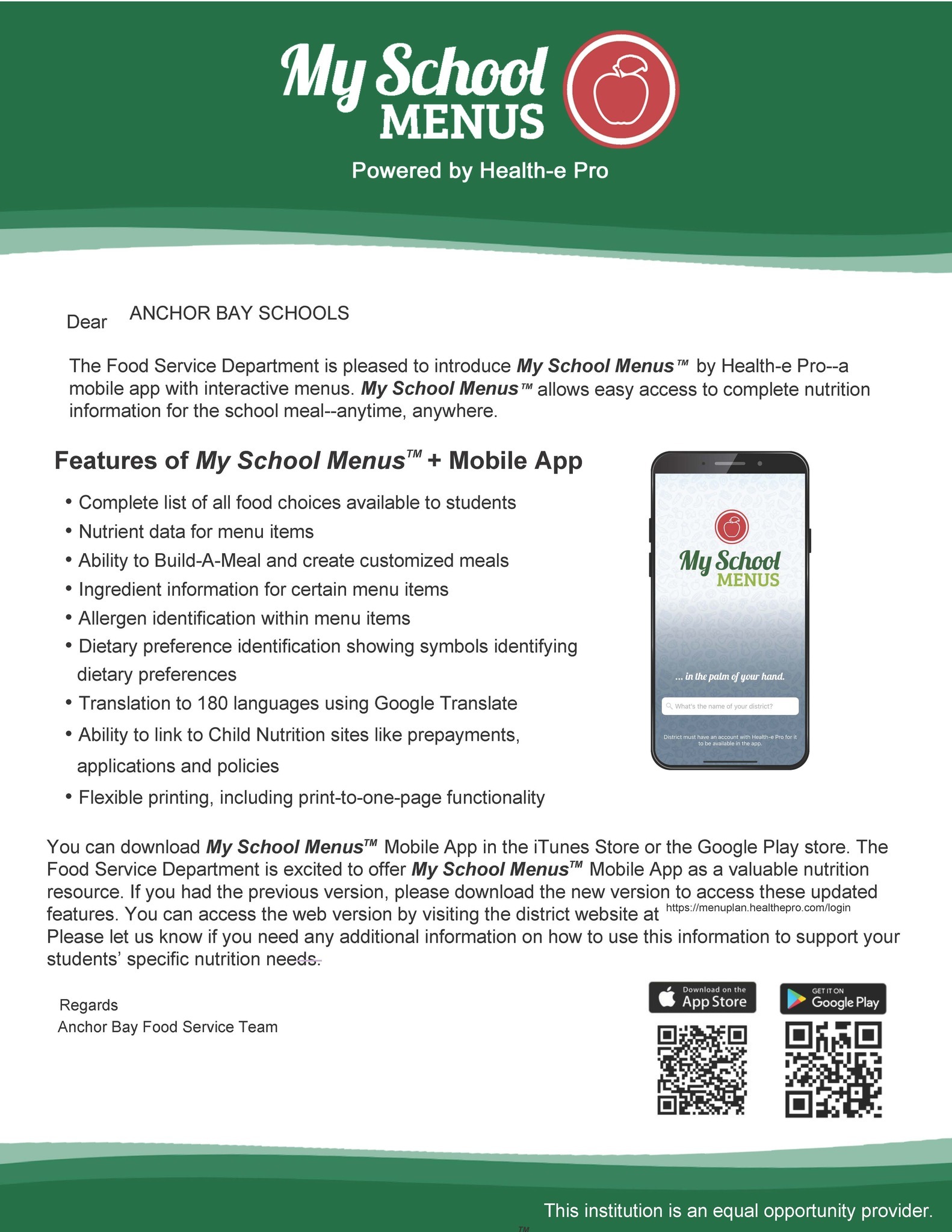
Our school menus now have their own app!
- Complete list of all food choices available to students
- Nutrient data for menu items
- Ability to Build-A-Meal and create customized meals
- Ingredient information for certain menu items
- Allergen identification within menu items
- Dietary preference identification showing symbols identifyingdietary preferences
- Translation to 180 languages using Google Translate
- Ability to link to Child Nutrition sites like prepayments,applications and policies
- Flexible printing, including print-to-one-page functionality
Information the high school will be coming soon.

Anchor Bay Preschool Open House will be on February 19th, 2026 from 6-7:30pm. Come learn about our preschool programs!
 Kindergarten parents are encouraged to join us for a Kindergarten Readiness Night. Staff will be on hand to answer questions and go through our annual Kindergarten Readiness presentations.
The window for Kindergarten registration and and Schools of Choice starts February 12th. Visit the Enrollment/SOC page for more information.

Upcoming Events
 Subscribe to Upcoming Events Calendars
Spotlights








Lottie Elementary
School Times
Full Day: 9:00 AM - 3:51 PM
1/2 Day: 9:00 AM - 12:26 PM


Curriculum Resource
 https://www.livebinders.com
Type in this keycode: ABMATHELEM
Documents
Positivity Project
Medical Forms
Pay For It
To pay using Pay-for-it:
Log on to https://www.payforit.net/
Register for an account (You can get step by step instructions here: https://www.payforit.net/Images/SigningUp.pdf)
Add students to your account. You will need their Power Schools ID (you can get this from your school office.
Click on the Fees Tab to pay your students assigned or optional fees.
To Make a payment on Pay-for-It:
Log in and got to the "Fees" tab
Click on "Make Fee Payment"
Under Optional Fees - Click on the green "+"