

Naldrett Elementary
Mission Statement
Naldrett staff, in partnership with parents and community, will provide, nurturing learning environment in which students can achieve their full potential.
Important Information and Links
Dates:
- Mon, Oct. 26th - Dine-2-Donate at Buffalo Wild Wings! BWW Flyer
- Mon-Fri, Oct. 26-30 - HALLOWEEN SPIRIT WEEK October Spirit Week Themes
- Thu, Oct. 29 - Y5s/Kdgn - Deneweth's Field Trip
- BOOK FAIR SIGN UP GENIUS https://www.signupgenius.com/go/60B0B44ADAA2BAAFC1-66672384-naldrett
- TUE, NOV. 3 - NO SCHOOL - ELECTION DAY
- Mon, Nov. 9 - PICTURE RETAKE DAY (AM)
- Mon-Fri, Nov. 9-13 - Fall Book Fair!
- Please check the table in the main office vestibule. We have a large pile of "lost" sweatshirts, etc.
Arrival and Dismissal Procedures
ARRIVAL AND DISMISSAL PROCEDURES
Thank you for working with us to keep students, staff, and families safe!
- Student Drop-Off
- Park and Walk
- Park in lot, walk your child using the pedestrian walkway
- DO NOT walk through car line, bus loop, or over barriers
- Enter the drop-off lane
- DO NOT unload students at the concrete barriers
- Pull all the way forward past the concrete then up to the "parent drop off and pick up here" sign and student may exit vehicle
- Adults/driver please remain in car
- Park and Walk
Important Documents
- Nov 2026 Menu
- Education Benefits Form
- School Nutrition Overview Flyer
- 2026-27 Naldrett Student Calender R102626
- 2026-27 School Supply List
Naldrett News
Subscribe to RSS Feed for Naldrett News
Christmas for Anchor Bay
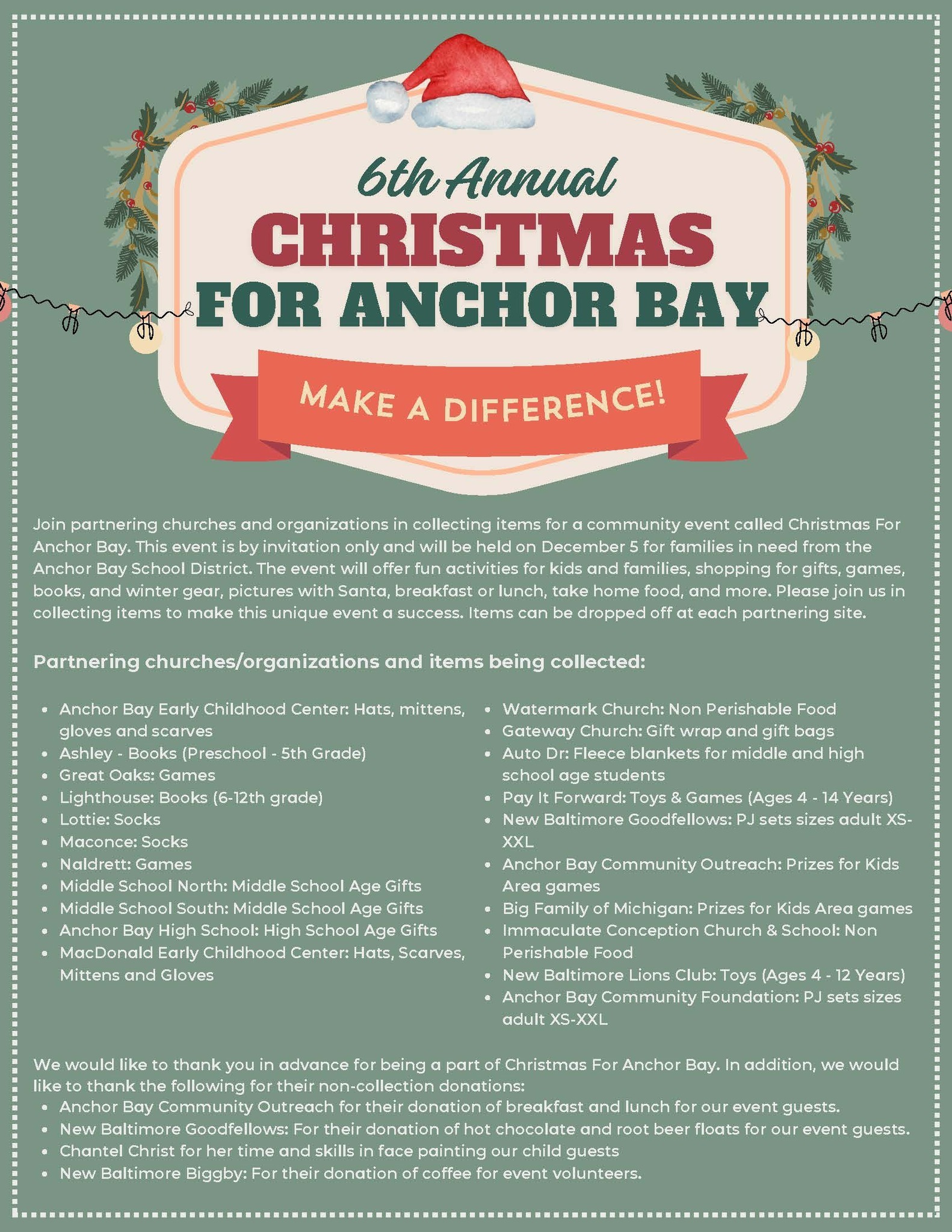 Join us in collecting items for Christmas For Anchor Bay during the month of November!
- Anchor Bay Early Childhood Center: Hats, mittens,gloves and scarves
- Ashley - Books (Preschool - 5th Grade)
- Great Oaks: Games
- Lighthouse: Books (6-12th grade)
- Lottie: Socks
- Maconce: Socks
- Naldrett: Games
- Middle School North: Middle School Age Gifts
- Middle School South: Middle School Age Gifts
- Anchor Bay High School: High School Age Gifts
- Washington & MacDonald Early Childhood Center: Hats, Scarves,Mittens and Gloves
- View the Amazon Wishlist link by clicking here.
No School - November 3
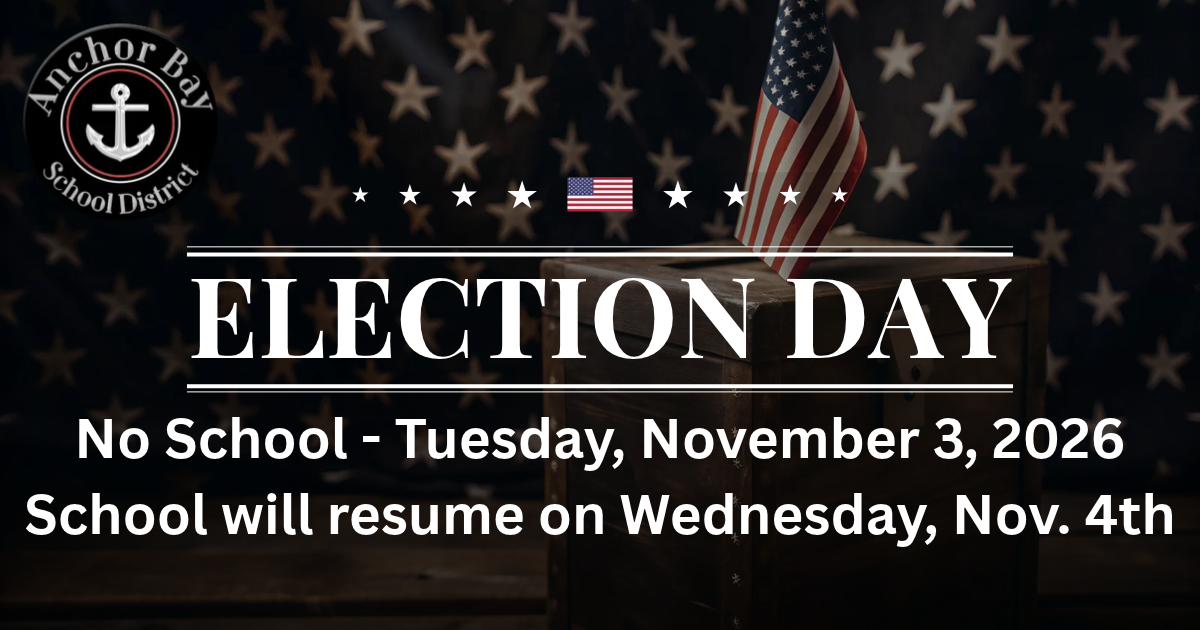 There is no school on Tuesday, November 3rd, for Election Day.
School will resume on Wednesday, November 4th.
Kindergarten Options at Anchor Bay
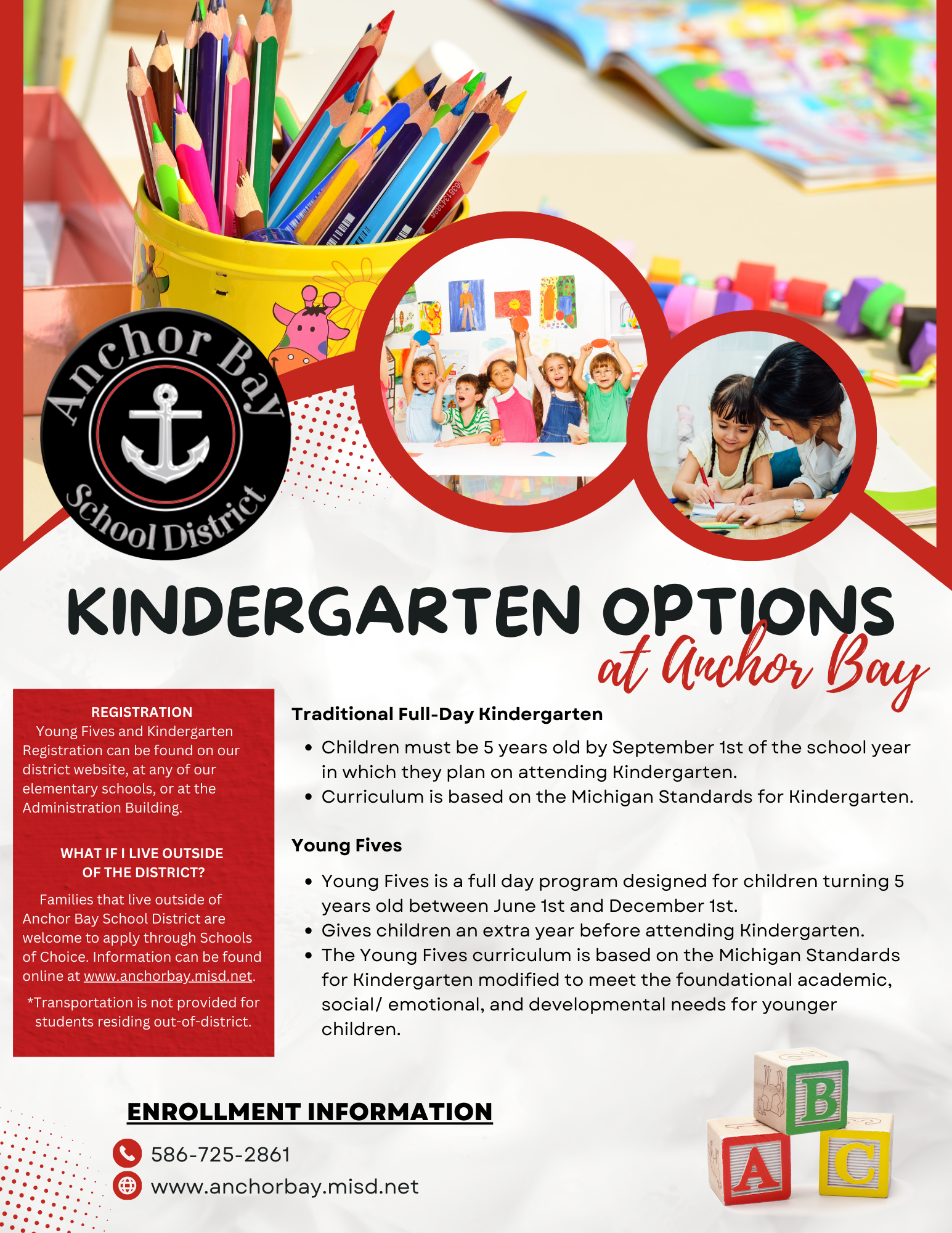
Traditional Full-Day Kindergarten
- Children must be 5 years old by September 1st of the school year in which they plan on attending Kindergarten.
- Curriculum is based on the Michigan Standards for Kindergarten.
Young Fives
- Young Fives is a full day program designed for children turning 5 years old between June 1st and December 1st.
- Gives children an extra year before attending Kindergarten.
- The Young Fives curriculum is based on the Michigan Standards for Kindergarten modified to meet the foundational academic, social/ emotional, and developmental needs for younger children.
- Schools of Choice is available for both programs.
Upcoming Events
 Subscribe to Upcoming Events Calendars
|
Previous
November
2026
Next
|
||||||||||||||||
| S | M | T | W | T | F | S | ||||||||||
|---|---|---|---|---|---|---|---|---|---|---|---|---|---|---|---|---|
| 1 | 2 |
3
|
4 | 5 | 6 | 7 | ||||||||||
| 8 | 9 | 10 |
11
|
12 | 13 | 14 | ||||||||||
| 15 | 16 | 17 | 18 |
19
|
20
|
21 | ||||||||||
| 22 |
23
|
24
|
25
|
26
|
27
|
28 | ||||||||||
| 29 |
30
|
|||||||||||||||
Spotlights





Contact Us
Naldrett Elementary
School Times
Full Day: 9:00 AM - 3:51 PM
1/2 Day: 9:00 AM - 12:26 PM
Important Information
Newsletters
Principal's Corner
PBIS
Naldrett STAR Pledge
Today I will strive to do my best by being kind, responsible respectful and safe. I will look for ways to grow and improve. My life makes a difference at Naldrett Elementary.
PBIS Growth Mindset
What is PBIS
PBIS Golden Ticket Program
Anti-Bullying Resources
Medical Forms

Star Council Updates
Pay for It
To pay using Pay-for-it:
Log on to https://www.payforit.net/
Register for an account (You can get step by step instructions here: https://www.payforit.net/Images/SigningUp.pdf)
Add students to your account. You will need their Power Schools ID (you can get this from your school office.
Click on the Fees Tab to pay your students assigned or optional fees.
To Make a payment on Pay-for-It:
Log in and got to the "Fees" tab
Click on "Make Fee Payment"
Under Optional Fees - Click on the green "+".